A local sandboxed coding agent for macOS
I published a new repo today: local-coding-agent. It’s a minimal, practical guide for running an AI coding agent entirely on your own MacBook, with no internet connection required.
The intern problem
A coding agent is a bit like the brightest intern you’ve ever hired — fast, tireless, knows an enormous amount — but with absolutely no common sense. It will happily read every file it can reach, run the command you asked for slightly too literally, and never once stop to think “should I be looking at this?” That’s not a knock on the tools; it’s just what they are today. The fix isn’t to expect judgment from the intern. It’s to not hand them the keys to everything.
Sharing is a one-way street
Every time you point a cloud-based coding agent at your files, you’re sending that information - and whatever secrets, customer data, or proprietary logic happen to be sitting nearby - to somebody else’s servers. That’s fine for a lot of work. But for confidential or sensitive material, it’s worth remembering that this kind of sharing only goes one way. Once it’s left your machine, you can’t call it back.
A local-only agent, running an open-source model entirely on your own hardware, sidesteps that problem completely. Nothing leaves the laptop.
What the repo covers
local-coding-agent is a practical, step-by-step guide for macOS users to set this up safely:
- A standard (non-admin) macOS sandbox account that keeps the agent away from your personal or company data, layered with Qwen Code’s own sandbox for a second layer of containment
- Ollama running on the admin account, serving the model
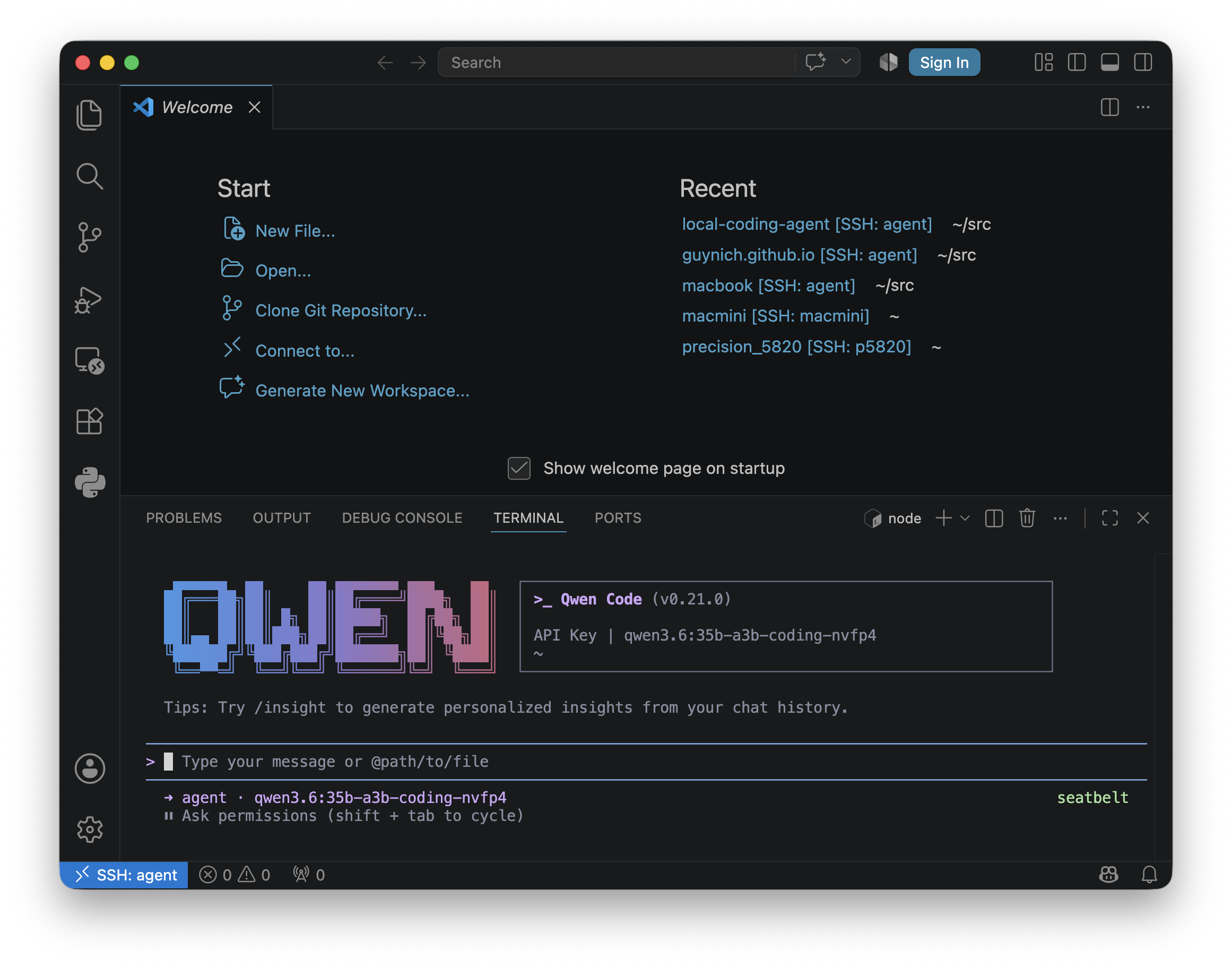
- SSH from admin into the sandbox account, so you can drive the agent from your normal terminal or VS Code (Remote-SSH) without ever logging into the sandbox account’s GUI
This builds directly on Sebastian Raschka’s excellent post on local coding agents — if you haven’t read it, start there. My repo adds the account-level sandboxing and a couple of model parameter tweaks for coding use.
The model: Qwen 3.6
The guide uses Qwen 3.6 as the coding model, specifically the coding-tuned variant available through Ollama. At around 22GB, it’s a big download, but entirely practical on a higher-specced Apple Silicon MacBook - I’ve been running it comfortably on a 48GB machine.
Why not a VM?
The obvious alternative is to run the agent inside a virtual machine or a Docker container. That works, but it means carving off a fixed slice of memory and CPU cores up front and living with that ceiling. The account-sandbox approach in this guide keeps full access to all the compute on the machine - the agent and everything else are competing for the same pool of resources rather than each being boxed into a pre-allocated share.
Where this is useful
A local, offline agent isn’t just about privacy. It’s genuinely useful:
- On a plane - no connectivity, no problem
- Anywhere without reliable internet
- Any time you’d simply rather keep your code, and your prompts, off someone else’s servers
If you’re on macOS and want to try this yourself, the full walkthrough - including the exact settings, model tag, and maintenance notes - is on GitHub: github.com/guynich/local-coding-agent.